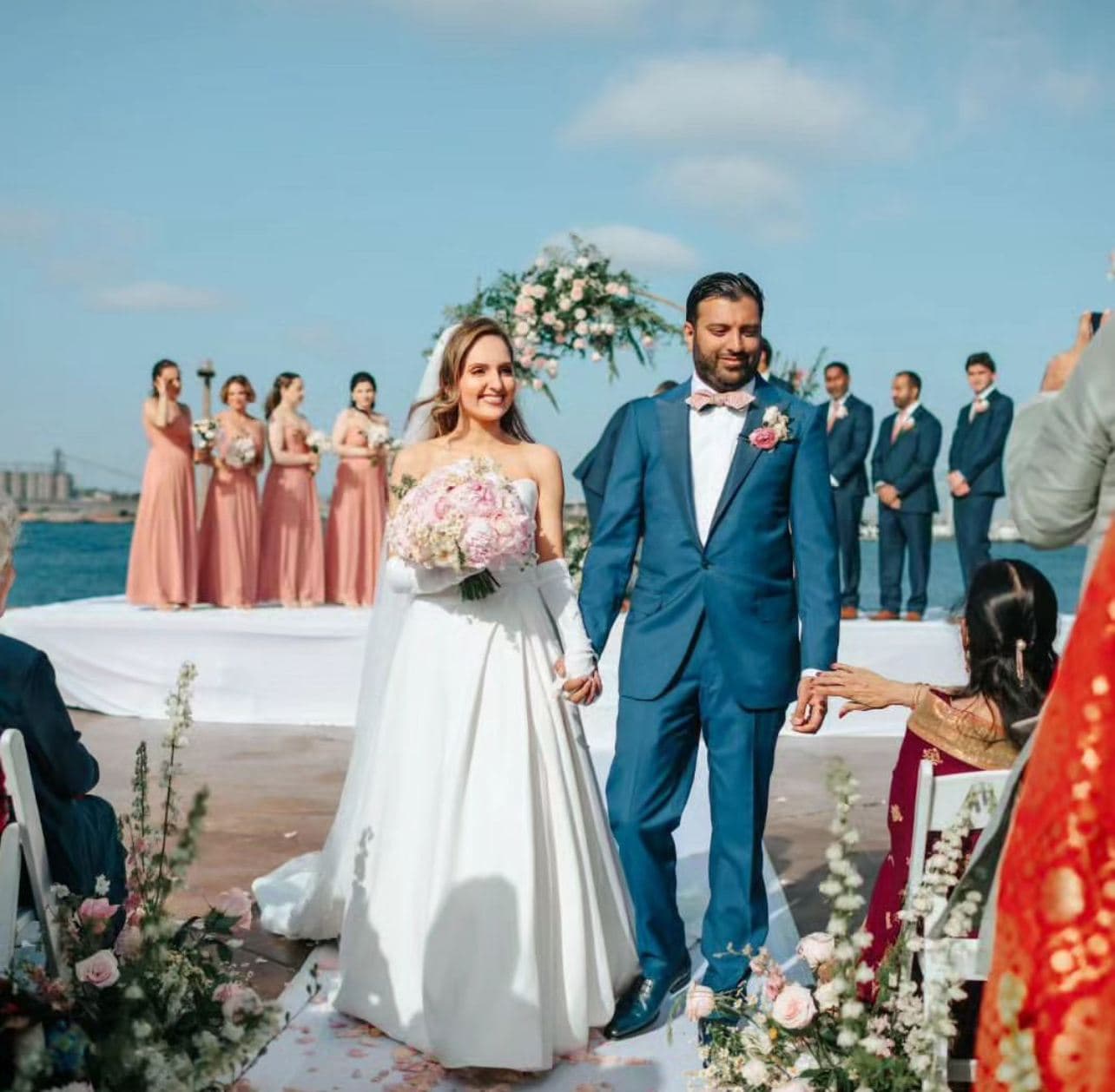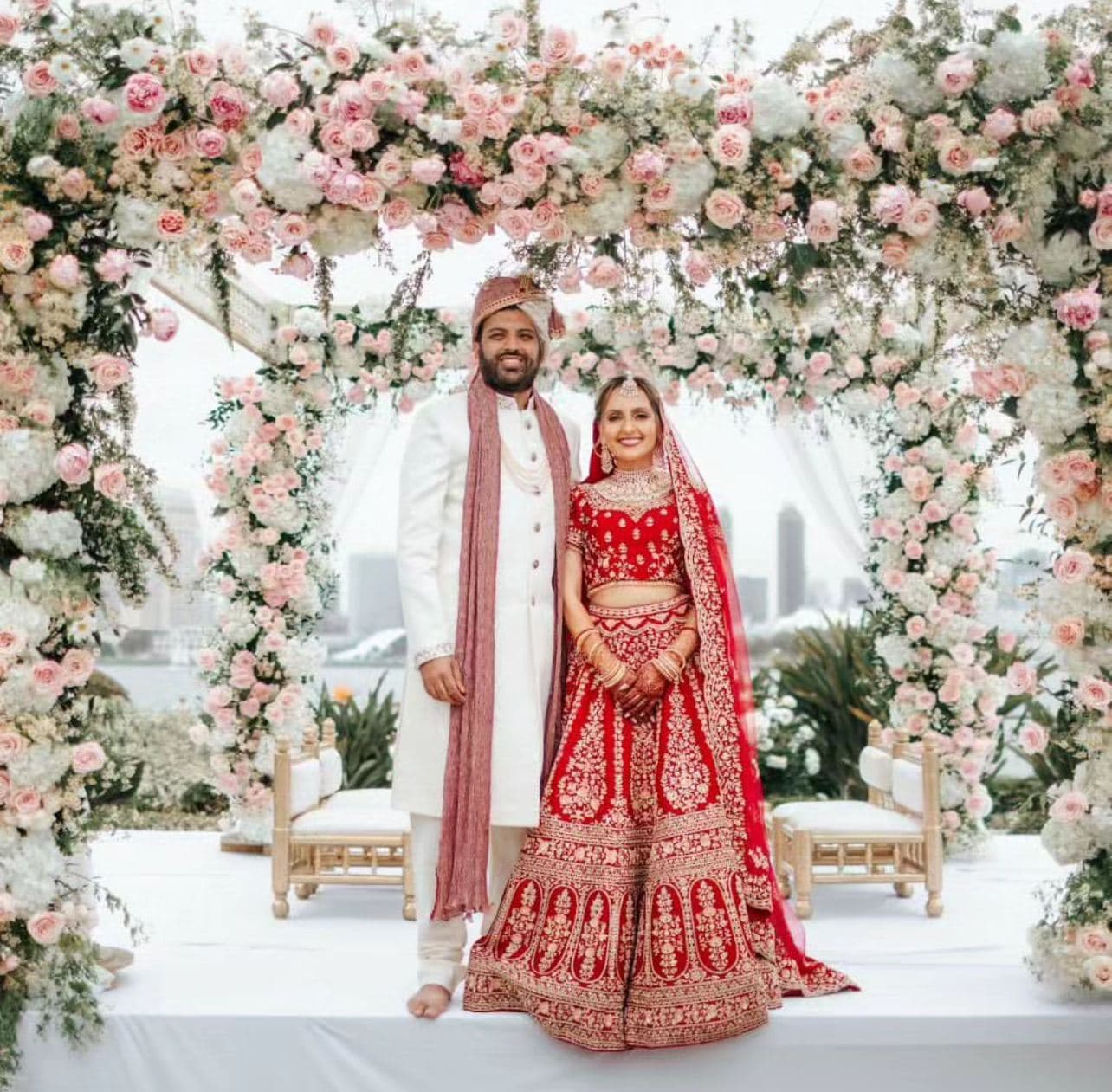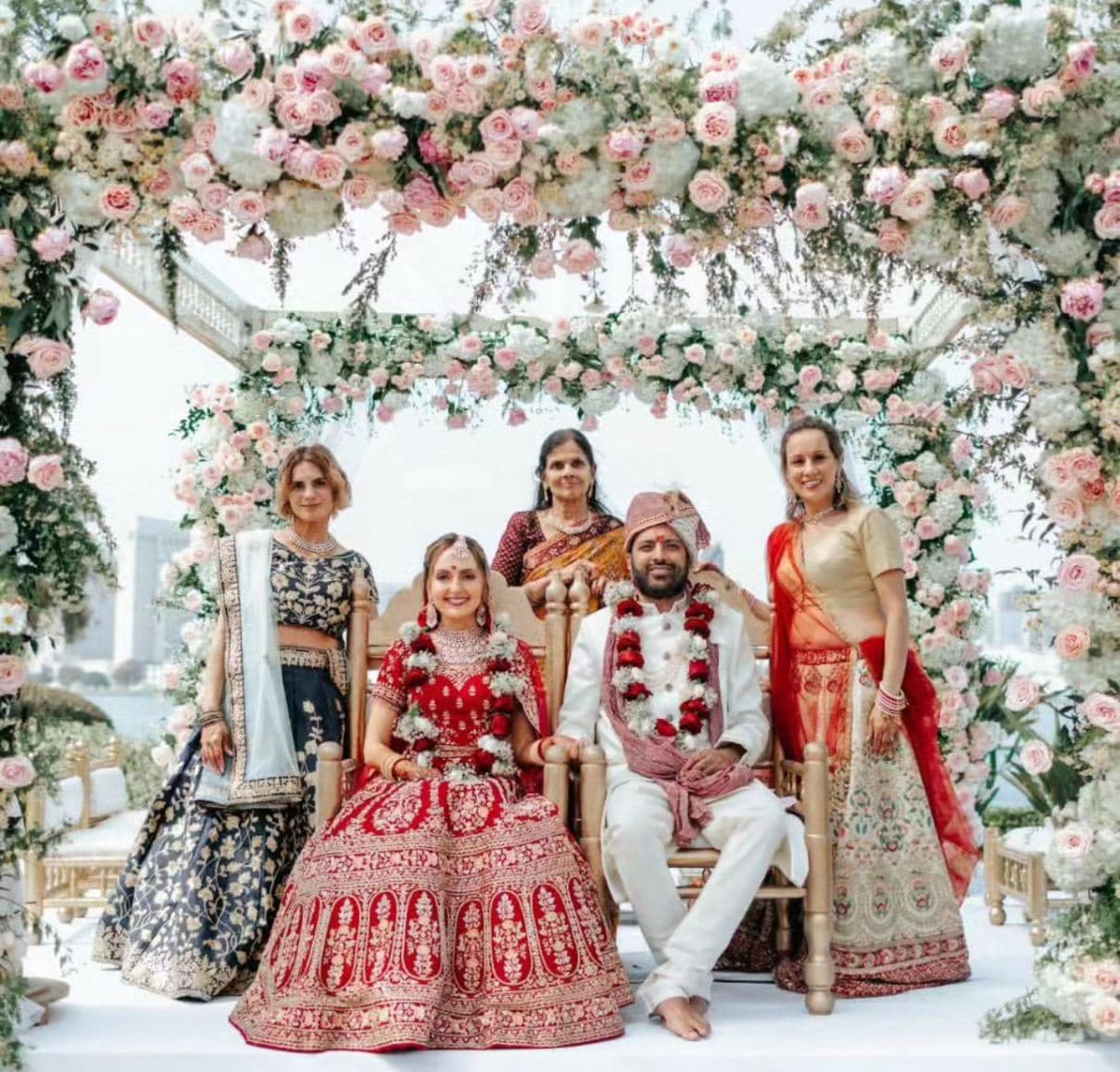
Introduction
A well-crafted mood board is one of the most powerful tools in a wedding florist's arsenal. It bridges the gap between a client's vague vision and your professional expertise, turning abstract ideas like "romantic garden vibes" into a tangible design direction everyone can agree on.
Yet many florists skip this step or treat it as an afterthought. The result? Misaligned expectations, scope creep, and clients who struggle to commit. In this guide, we will walk through exactly how to create wedding flower mood boards that impress clients, streamline your design process, and ultimately win more bookings.
Why Mood Boards Matter for Wedding Florists
Before we dive into the how, let us establish the why. A mood board does far more than look pretty:
- Aligns expectations early. Clients see exactly what you are proposing before a single stem is ordered.
- Reduces revision cycles. When the vision is agreed upon upfront, last-minute changes drop dramatically.
- Justifies your pricing. A professional mood board communicates the level of expertise and thought behind your quote.
- Differentiates you from competitors. Most florists send a basic itemized list. A mood board positions you as a design professional.
- Speeds up decision-making. Visual references help indecisive clients commit faster.
According to industry surveys, florists who present mood boards during consultations report a 30-40% higher booking rate compared to those who rely on verbal descriptions alone.
Digital vs. Physical Mood Boards
The first decision you will make is whether to go digital, physical, or both.
Digital Mood Boards
Digital mood boards are the modern standard for most wedding florists. They are easy to create, simple to share, and can be updated instantly.
| Advantage | Detail |
|---|---|
| Speed | Create and revise in minutes, not hours |
| Shareability | Send via email or embed in a proposal |
| Cost | No printing or material expenses |
| Integration | Embed directly into digital proposals |
| Collaboration | Clients can comment and suggest changes in real time |
Best tools for digital mood boards:
- Canva -- Free tier works well; drag-and-drop interface with wedding-specific templates
- Milanote -- Visual workspace designed for creative projects; supports image boards with notes
- Pinterest Private Boards -- Familiar to most clients; easy to collaborate on
- Adobe Express -- Professional templates with brand customization options
- WPro.AI -- Integrates mood boards directly into your wedding flower proposals, keeping everything in one place
Physical Mood Boards
Physical mood boards still have a place, especially for in-person consultations and luxury clients.
| Advantage | Detail |
|---|---|
| Tactile experience | Clients can touch fabric swatches and ribbon samples |
| Perceived value | A physical board feels like a premium deliverable |
| Memorable | Clients remember a beautiful physical presentation |
| No tech barriers | Works perfectly in venues without reliable Wi-Fi |
Materials for physical mood boards:
- Foam core or illustration board (11x14 or larger)
- Printed flower photos on card stock
- Fabric and ribbon swatches
- Color paint chips
- Dried flower samples or pressed petals
- Handwritten or printed labels
The Hybrid Approach
Many successful florists use both. They create a digital mood board for the proposal document, then bring a condensed physical version to the in-person consultation. This approach gives you the efficiency of digital with the impact of physical.
Essential Elements of a Winning Mood Board
A great mood board is more than a collage of pretty flower photos. Here are the elements every wedding flower mood board should include:
1. Color Palette
Start with 4-6 core colors that define the floral design direction. Include:
- Primary flower colors (2-3 shades)
- Accent colors (1-2 complementary tones)
- Greenery tones (sage, emerald, olive)
- Neutral anchors (cream, ivory, blush)
Tip: Use actual color swatches or hex codes so the palette is precise. Avoid relying on screen colors alone, as monitors display colors differently.
2. Key Flower Varieties
Feature 5-8 primary flowers with:
- Clear, well-lit photos of each bloom
- The variety name (e.g., "Juliet Garden Rose," not just "rose")
- Seasonal availability notes
- Color range available for each variety
3. Arrangement Style References
Include 3-5 reference images showing:
- Bouquet shape and size
- Centerpiece style (low and lush, tall and dramatic, garden-gathered)
- Ceremony installation concept (arch, aisle markers, altar pieces)
- Overall aesthetic (romantic, modern, rustic, bohemian)
4. Texture and Foliage
Flowers alone do not tell the whole story. Show:
- Greenery types (eucalyptus, ferns, olive branches, ruscus)
- Textural elements (berries, seed pods, grasses, dried accents)
- Ribbon and wrap treatments
- Vase and vessel styles
5. Venue Context
Ground the mood board in reality by including:
- 1-2 photos of the actual venue
- Notes on how the floral design complements the space
- Lighting considerations (indoor, outdoor, candles)
- Any venue-specific restrictions or opportunities
6. Inspirational Quotes or Themes
A short tagline or theme statement ties the board together. Something like "Romantic English Garden with a Modern Edge" gives the design a clear identity.
How to Translate Client Pinterest Boards Into Professional Mood Boards
Most clients arrive at consultations with a Pinterest board full of saved images. The challenge is that these boards are often a chaotic mix of conflicting styles, unrealistic budgets, and images that have nothing to do with flowers.
Here is a step-by-step process for turning client Pinterest boards into usable mood boards:
Step 1: Identify the Common Thread
Look past the individual images and find the recurring theme. Ask yourself:
- What color palette keeps showing up?
- Is the style consistently loose and organic, or structured and formal?
- Are the images mostly outdoor or indoor settings?
- What is the general price tier of the arrangements shown?
Use the Pinterest Floral Analyzer to automatically identify flowers, colors, and styles from client Pinterest boards. This saves significant time and gives you data to work with rather than guessing.
Step 2: Filter and Curate
From a board of 50-100 pins, select the 8-12 that best represent a cohesive direction. Discard images that:
- Conflict with the dominant style
- Feature flowers unavailable in the wedding season
- Represent a budget tier significantly different from the client's range
- Are heavily filtered or unrealistic
Step 3: Fill in the Gaps
Client boards rarely have everything you need. Supplement with:
- Professional photos of specific flower varieties you plan to use
- Color-corrected palette swatches
- Your own portfolio images that match the style
- Venue photos showing where arrangements will be placed
Step 4: Add Professional Context
This is where your expertise shines. Annotate the mood board with:
- Flower substitutions that achieve the same look within budget
- Seasonal alternatives for out-of-season requests
- Scale notes (clients often expect arrangements larger than what was pictured)
- Pricing tier indicators so the client understands cost implications
Step 5: Present with Confidence
Walk the client through the mood board, explaining your design choices. Use language like:
- "Based on your inspiration, I see a romantic, garden-gathered style with soft blush and ivory tones."
- "To achieve this look within your budget, I recommend substituting peonies with garden roses for the bridesmaid bouquets."
- "This mood board captures the feeling of your pins while adapting the design to your venue's architecture."
Building Mood Boards Into Your Proposal Workflow
A mood board should not exist in isolation. It is most powerful when integrated into your overall proposal process.
The Ideal Workflow
- Initial consultation -- Gather client Pinterest boards, venue details, and budget range
- Mood board creation -- Build a digital mood board within 48 hours of the consultation
- Proposal generation -- Attach the mood board to your itemized proposal using wedding florist software
- Presentation meeting -- Walk the client through mood board and proposal together
- Revision (if needed) -- Update mood board and proposal based on feedback
- Booking -- Client signs off on mood board as part of the contract
Mood Board as a Contract Anchor
Include language in your contract that references the approved mood board as the design direction. This protects you from dramatic last-minute changes and gives the client confidence that you will deliver what was agreed upon.
Example contract language: "The floral design will follow the approved mood board dated [date]. Changes to the design direction after approval may incur additional consultation and design fees."
Common Mood Board Mistakes to Avoid
Even experienced florists make these errors:
1. Too Many Images
A mood board with 30 images is not a mood board -- it is a Pinterest board. Limit yourself to 10-15 carefully curated images maximum.
2. No Color Consistency
If your mood board has blush roses next to bright red dahlias next to orange sunflowers, the client will have no idea what direction you are proposing. Keep the palette tight.
3. Unrealistic References
Avoid using editorial images with $50,000 floral budgets when your client has $5,000 to spend. Set expectations with references that match the actual scope.
4. Missing Context
A beautiful collage of flowers without any connection to the venue, season, or client preferences feels generic. Every image should serve a purpose.
5. No Written Explanation
Images without annotations leave too much room for interpretation. Add brief notes explaining why each element was chosen and how it connects to the overall design.
Tools and Templates to Get Started
To make mood board creation efficient, set up reusable templates:
- Brand template -- Your logo, fonts, and color scheme as a Canva or Adobe template
- Style-specific templates -- Pre-built layouts for romantic, modern, rustic, and bohemian aesthetics
- Flower library -- A curated folder of high-quality flower photos organized by variety and color
- Venue photo checklist -- A standard request list for venue photos to include
Many florists save 2-3 hours per proposal by using WPro.AI's proposal system, which includes built-in mood board templates that integrate with your pricing and contracts. Check out WPro.AI to see how integrated mood boards, pricing, and proposals can transform your client experience.
Conclusion
A wedding flower mood board is not just a design exercise -- it is a sales tool, a communication device, and a contract anchor. When done well, it demonstrates your expertise, aligns expectations, and accelerates the booking process.
Start with a simple digital template, build a library of curated flower images, and make mood boards a standard part of every proposal. Your clients will feel more confident, your designs will be more accurate, and your booking rate will climb.
Related: Wedding Flower Proposal Templates | Wedding Florist Software | Pinterest Floral Analyzer